
How to complete a sale using Converge Mobile
To complete a sale in Converge Mobile, select new sale then manual entry, type in the total sale price, add to cart and check out. On the sale summary page, either key in the card details or select credit/debit to take the card on your connected card reader.
On this page
How do I start a sale?
- Select new sale then manual entry
- Type in total sale price
- Add to cart
- Checkout
On the sale summary page:
- If manually entering the card information: Select Manual Card Entry to enter card details
- If you have billing and invoicing enabled, add items from catalog or manually (enter product description, quantity and price) and select new quote or new invoice.

How do I take the payment on a connected card reader?
If using a connected card reader: Select credit/debit
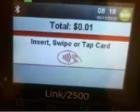
The transaction will appear on card reader and prompt to insert/tap/swipe.
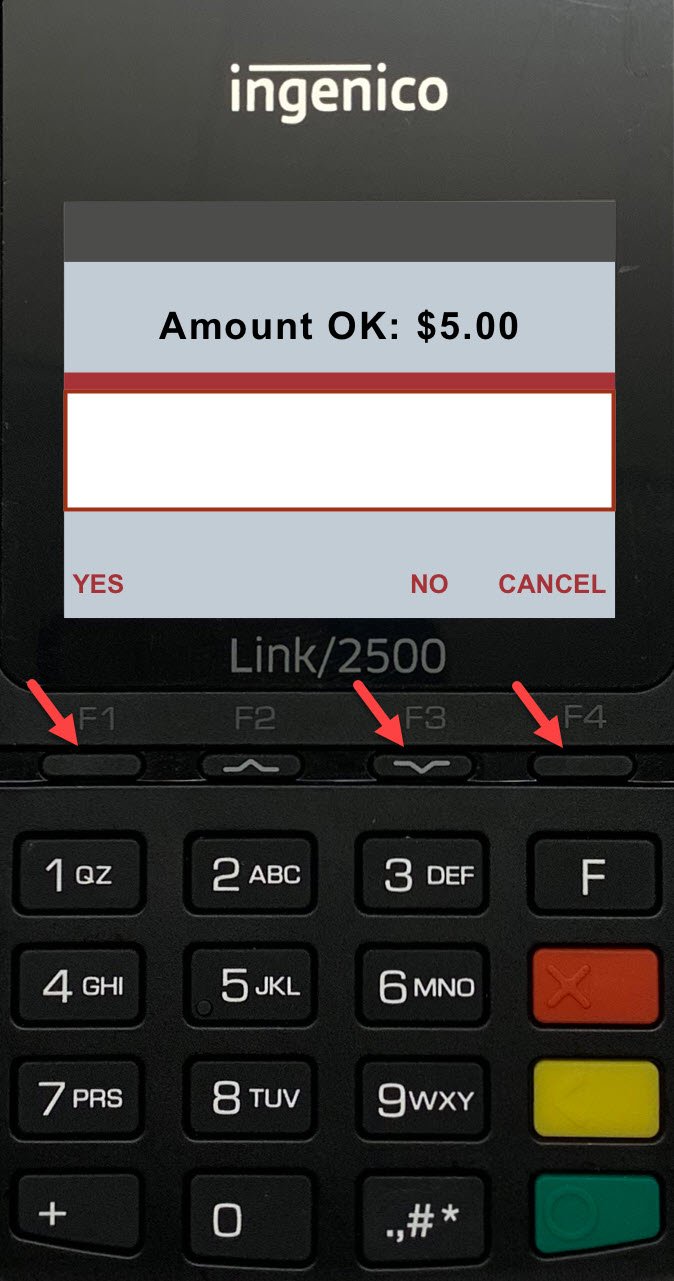
If card is inserted, the card reader may prompt the cardholder to confirm the transaction amount. Cardholder should press F1 (or green button) to approve, F3 to decline or F4 to cancel.
What happens when the sale is complete?
Once complete you will see sale complete screen with an option to enter an email address and email receipt.
If you have a bluetooth connected printer, you can choose to print receipt. Otherwise you can press done.

Updated November 2, 2026
Still stuck? Talk to a person.
Our team answers the phone.
Taking payments with Converge? See Converge from Cartis